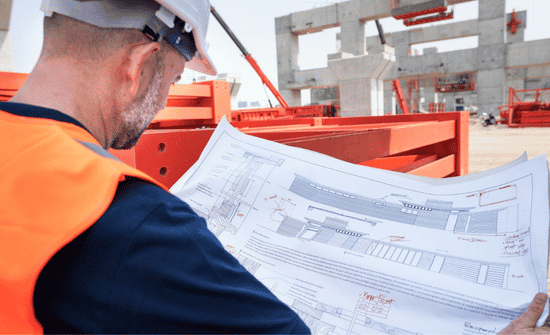




Every construction project has two jobs: the work happening on-site and the information guiding it behind the scenes. Drawings, permits, RFIs, submittals, contracts, safety records, and change orders can either keep teams moving or create expensive confusion. I have seen delays start not from labor, materials, or equipment, but from outdated files and missing approvals.
That is why construction document management matters. It gives contractors, architects, engineers, subcontractors, and owners one reliable place to find current information, reduce rework, speed decisions, and protect the project from costly mistakes before they reach the jobsite or final inspection stage later.
What Is a Smart Document Control Process for Construction?
A smart document control process is more than saving files in a folder. It controls how documents move from creation to approval, field use, revision, and closeout. Every drawing, RFI, submittal, change order, permit, contract, daily log, and inspection record should have a clear location, a clear owner, and a clear status.
For US contractors, this matters because construction projects often involve strict timelines, permit requirements, safety records, payment documentation, lien waivers, and owner approvals. If the paperwork is disorganized, the job can quickly become harder to defend, harder to bill, and harder to complete on schedule.
A strong system helps the office and field work together. With the right construction project management software, project managers can track approvals, superintendents can access the latest drawings, subcontractors can confirm scope, and owners can review progress without digging through long email threads.
Why Does Construction Document Control Prevent Costly Rework?
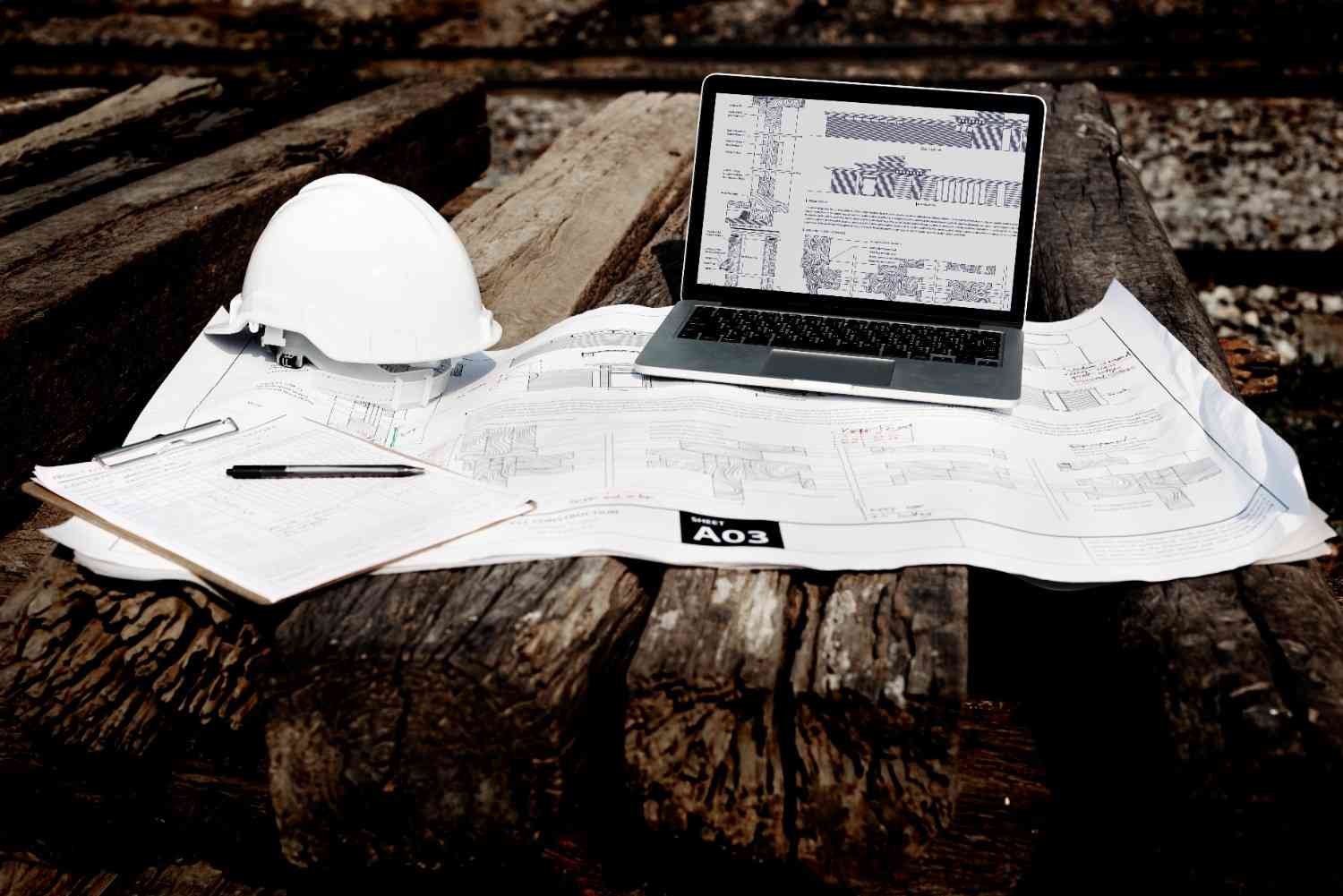
Rework usually starts with unclear information. If a crew uses an old plan, installs the wrong material, or misses a revised detail, the mistake may not appear until inspection or later phases of the project. By then, the fix can cost money, time, and trust.
Construction document control prevents this by making the latest approved version easy to find. It also creates a record of who uploaded a file, who reviewed it, what changed, and when the update became official. That audit trail can protect the project when there is a dispute about scope, responsibility, schedule, or payment.
I would always treat document control as a risk-reduction tool, not just an admin task. The better the file system, the fewer surprises the team faces in the field.
What Documents Should Every Construction Team Organize?
A complete project file system should cover design, legal, financial, and operational records. Design and planning documents include blueprints, architectural drawings, structural plans, material specifications, engineering notes, and 3D BIM (Building information models) models. These files guide how the project is built, so version accuracy is critical.
Legal and financial records include bidding paperwork, prime contracts, subcontractor agreements, insurance certificates, invoices, lien waivers, change orders, and payment applications. These documents protect the business side of the project and help keep billing clear.
Operational records include daily logs, work orders, permits, safety inspection checklists, quality control forms, punch lists, meeting minutes, field photos, and closeout documents. These records show what happened on-site and help owners understand the final condition of the project.
What Features Should Construction Document Management Software Include?

The right platform should make daily work faster, not more complicated. Automated version control is one of the most important features because it tracks revisions and helps prevent field teams from working from outdated blueprints. Instead of guessing which file is current, the team can trust the system.
Role-based access permissions are also essential. A project owner, subcontractor, accountant, architect, and field worker should not always see the same documents. Sensitive contracts, pricing details, financial files, and internal records need controlled visibility.
Mobile-first accessibility is another major benefit. Field crews should be able to view plans, update reports, upload photos, and check documents from tablets or smartphones. Offline access can also help when jobsite connectivity is weak.
Automated approval workflows save time by routing RFIs, submittals, and change orders to the right people. Instead of waiting for someone to search their inbox, the system keeps the approval moving. Comprehensive audit trails complete the process by logging uploads, edits, comments, approvals, and changes for compliance and accountability.
Which Software Platforms Are Popular for Construction Teams?
Procore is a strong option for contractors that want an all-in-one construction platform with document storage, field-office coordination, RFIs, drawings, and project controls. It works well for teams that need a scalable system across multiple projects.
Autodesk Construction Cloud is a strong fit for design-heavy and BIM-focused teams. It helps organize, distribute, and coordinate files in a connected environment, which makes it useful when architects, engineers, and builders need tight design coordination.
Bluebeam Revu is widely used for PDF markups, measurements, drawing reviews, and document comparison. It is especially helpful for teams that spend a lot of time reviewing plans, marking up drawings, and comparing revisions.
Buildertrend is often useful for residential builders that want simpler communication with clients, subcontractors, and vendors. Its portals and document-sharing tools can help custom home builders and remodelers keep everyone aligned.
KYRO AI is a cloud-based option built for construction, utility, vegetation, and field-heavy operations. It focuses on centralized storage, real-time syncing, documentation workflows, daily logs, inspections, and field-to-office coordination, which can be useful for small-to-medium teams that want a practical digital system.
How Should Contractors Organize Files Before the Project Starts?

I would set up the file structure before the first major document arrives. Waiting until the project is already messy makes cleanup harder. The main folders should separate contracts, permits, drawings, RFIs, submittals, change orders, safety, inspections, financial records, daily logs, photos, and closeout files.
File naming should also follow a standard format. A useful name should show the project, document type, date, trade, and revision. Vague names like “final drawing” or “new plan” create confusion because every project eventually has more than one final version.
The goal is to make every file easy to search, easy to trust, and easy to share.
What Mistakes Should Construction Companies Avoid?
The biggest mistake is using email as the main storage system. Email is fine for communication, but it fails when teams need version control, approvals, audit trails, and quick retrieval.
Another mistake is letting each team use its own storage method. If drawings are in one app, contracts are on a laptop, photos are on phones, and RFIs are in email, the project has no single source of truth.
I would also avoid skipping training. Even the best software will fail if the team does not know how to name files, upload revisions, approve documents, or find current plans in the field.
Frequently Asked Questions (FAQs)
1. What is the best way to organize construction documents?
The best way is to use one central digital system with clear folders, consistent file names, version control, permissions, and approval workflows.
2. Why is version control important in construction?
Version control helps teams work from the latest approved drawings and documents, which reduces rework, delays, and disputes.
3. What documents should contractors track during a project?
Contractors should track drawings, permits, RFIs, submittals, change orders, contracts, daily logs, safety forms, inspections, photos, invoices, and closeout files.
4. Is cloud document control useful for small contractors?
Yes, cloud document control helps small contractors reduce paperwork, improve field access, protect records, and manage approvals without relying on scattered emails.
Final Thoughts
A construction project runs better when the information behind it is clean, current, and easy to access. I would never treat project files as an afterthought because documents guide the work, protect the contract, support payments, financial statements, and help resolve disputes.
A strong document system gives every stakeholder the same source of truth. It keeps drawings current, protects sensitive records, speeds up approvals, improves field communication, and creates a clear project history from bidding to closeout. When contractors control their documents, they control more of the project.